Cases
A case is a single API test within a collection. Cases are listed under the Cases tab of a collection.
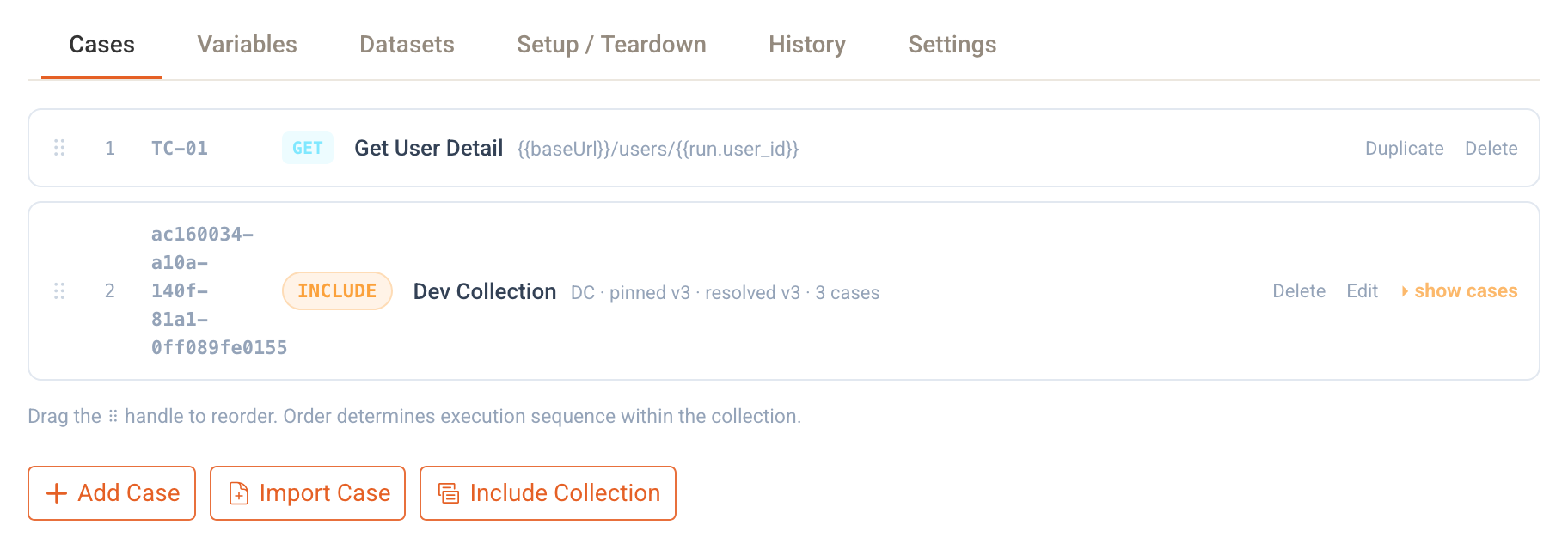
Each row displays:
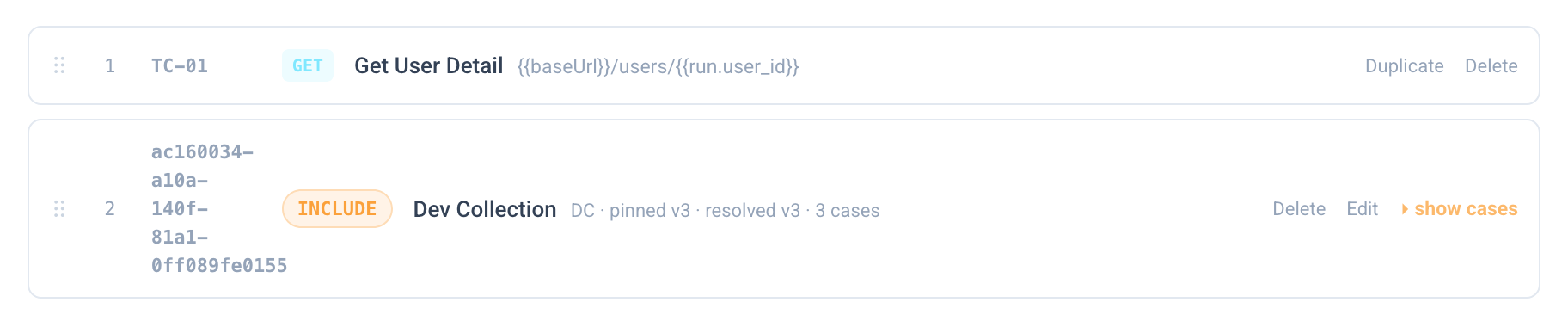
- Case Key, the identifier of the case. For an included collection, the collection's identifier is shown instead.
- Type, the HTTP method for a case , or
INCLUDEfor an included collection. - Name and URL, the case name and its URL path.
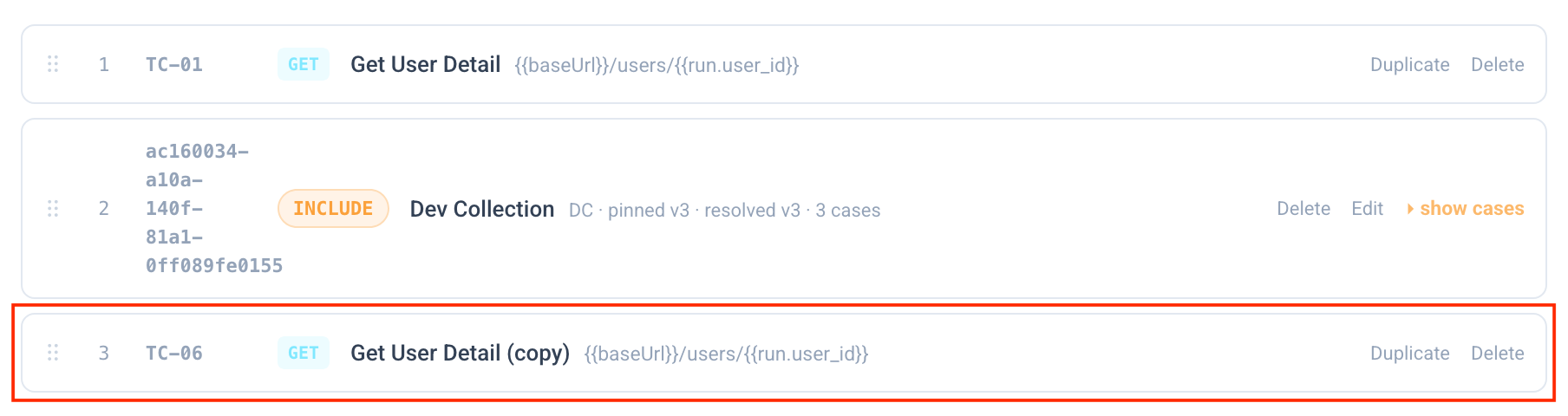
Duplicate Case
A case can be duplicated by clicking on Duplicate at the end of its row.

Delete Case
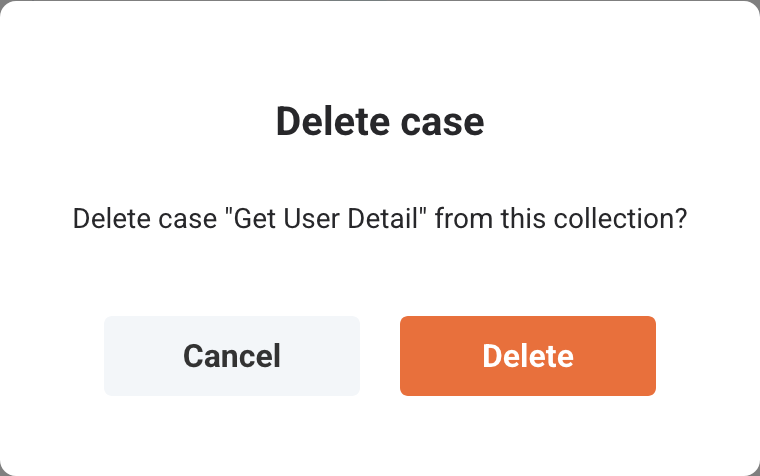
A case can be deleted by clicking on Delete at the end of its row. Users will be prompted to confirm their choice.

Edit Include
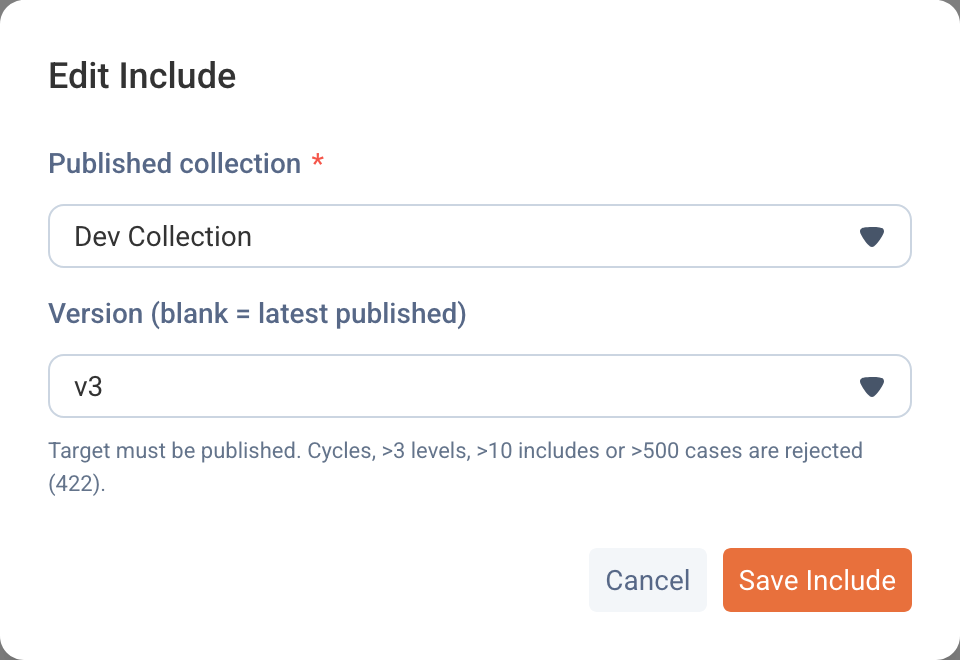
An included collection can be edited by clicking on Edit at the end of its row. Users will be able to reselect the collection to be included and the version that should be used.

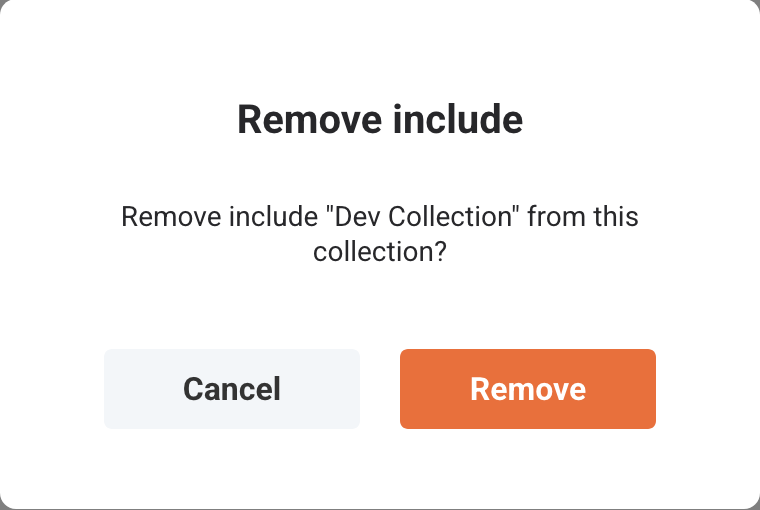
Remove Include
An included collection can be removed by clicking on Remove at the end of its row. Users will be prompted to confirm their choice.